Self-hosted todos
A self-hostable todo app that is just todos.
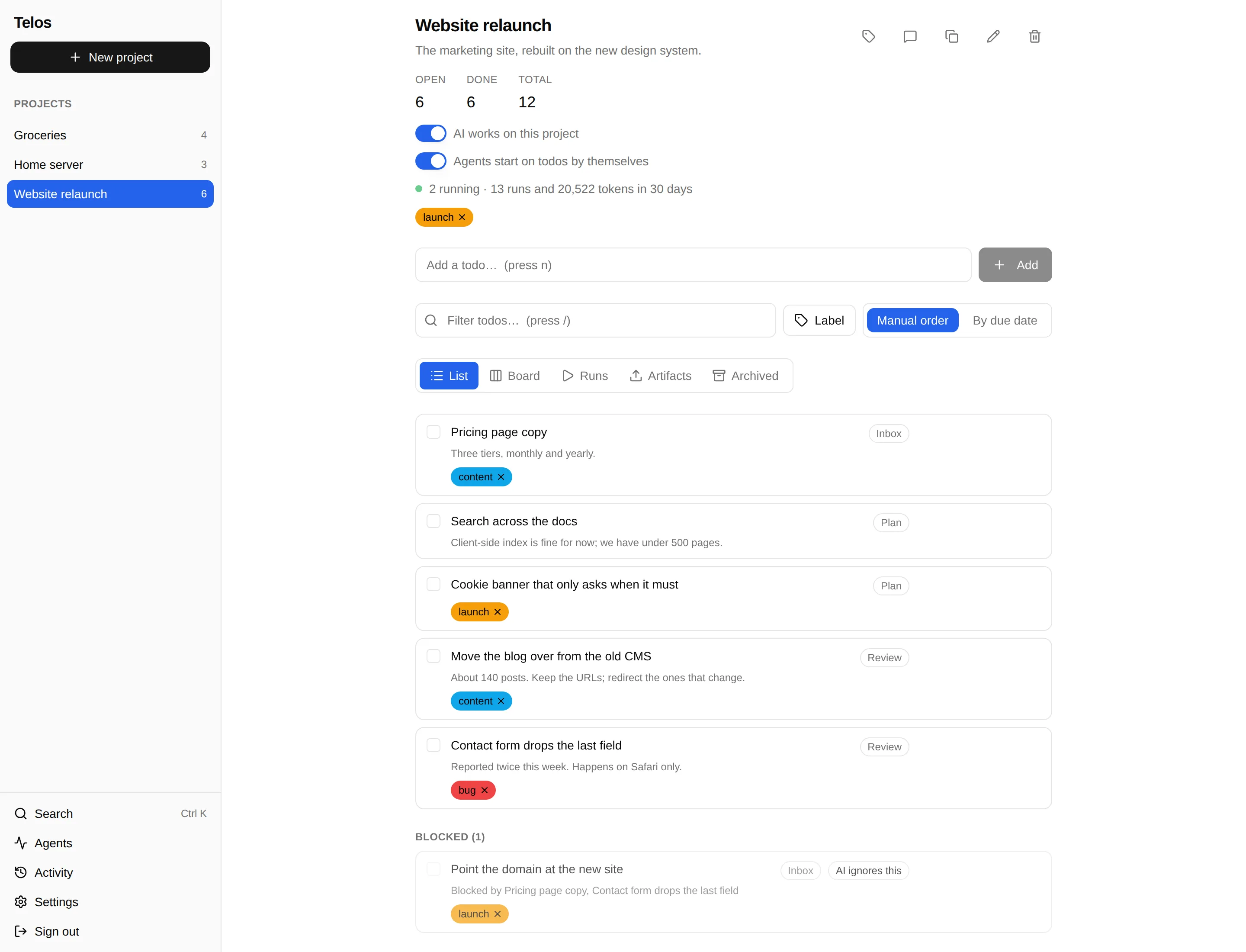
Projects hold todos. A todo can wait on other todos, and one you are waiting on cannot be ticked off yet. Labels and due dates, and that is the app. A board and AI agents are there if you want them, and stay out of your way if you don't.

Just todos
This is the whole app for a lot of people. A project opens as a list, and AI is off until you switch it on, so there is nothing to set up or turn off first.
Type it, Enter, done
Add a todo in a sentence. Press n to add, / to filter, and Ctrl K to search every project.
What waits on what
A blocked todo sits in its own section with its blockers named and its checkbox disabled. Cycles are rejected when you try to make them.
Labels and due dates
Labels attach to projects and todos alike. A due date flags the todo when it is late, and a project can sort by them.
Nice extras, when you want them
None of these are needed to use telos. Each is off, or simply unused, until you reach for it.
A board
The same todos as lanes you name yourself, one of which means done. Drag a card there and it is ticked off; tick the box and the card moves.
Agents on lanes
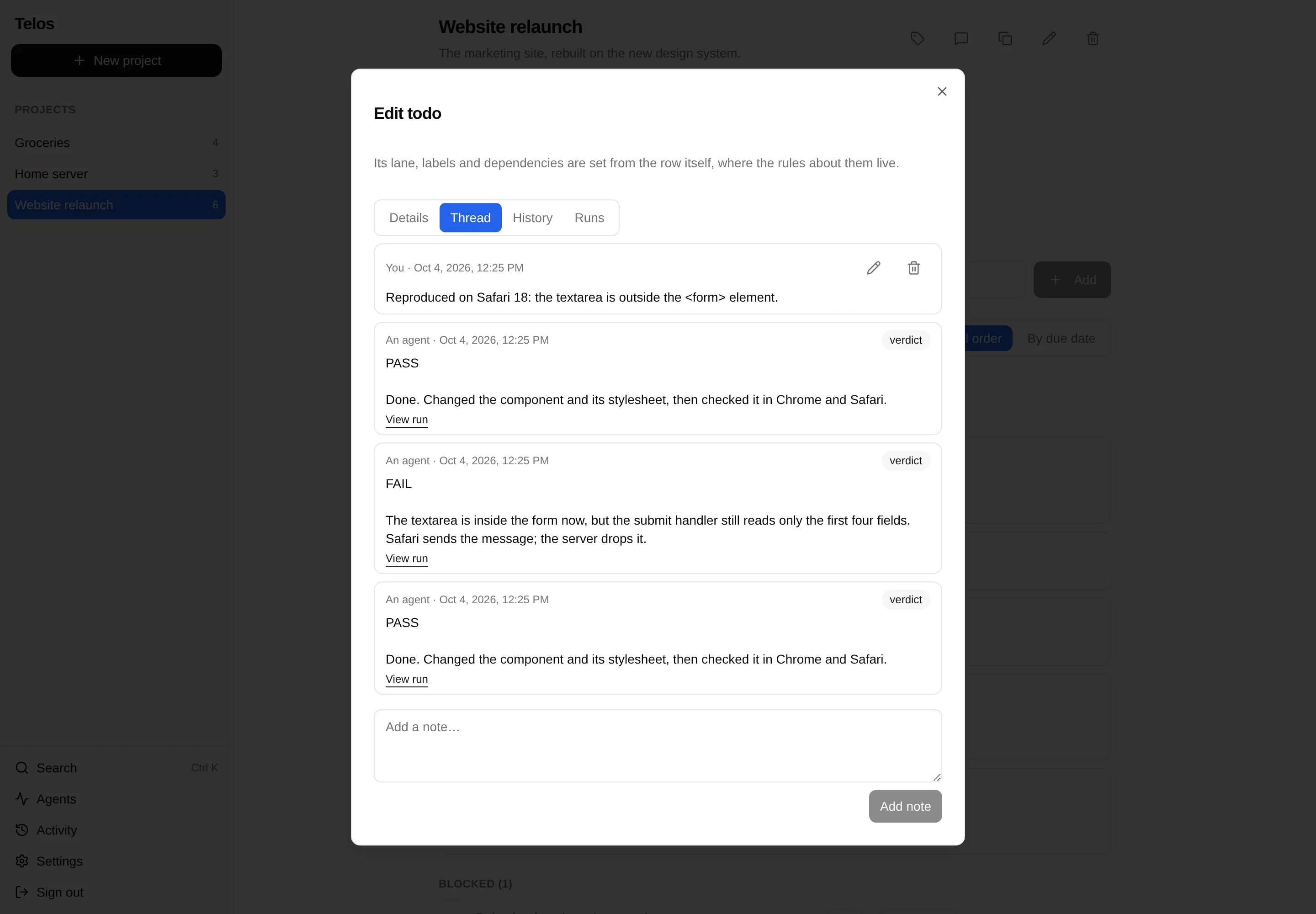
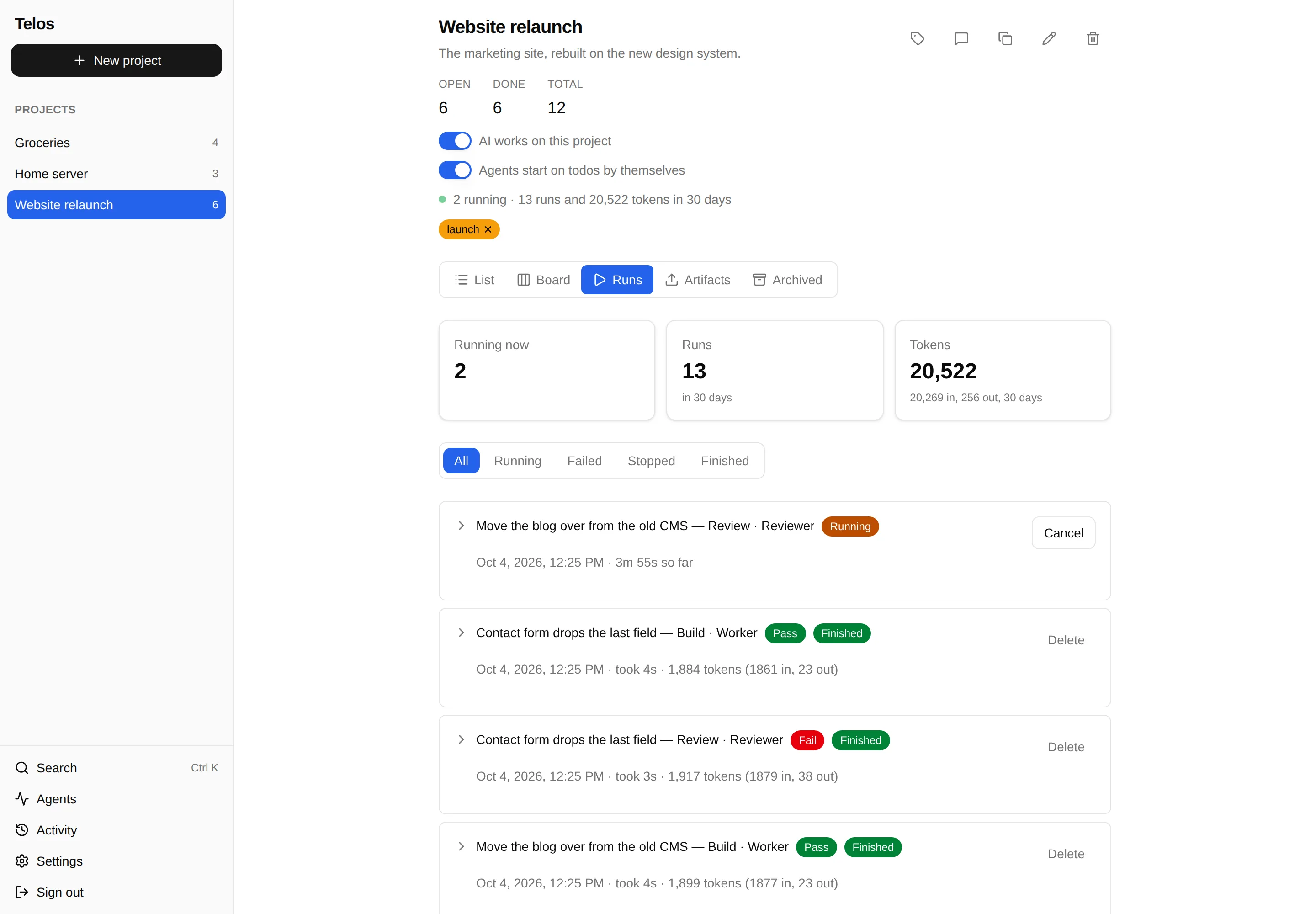
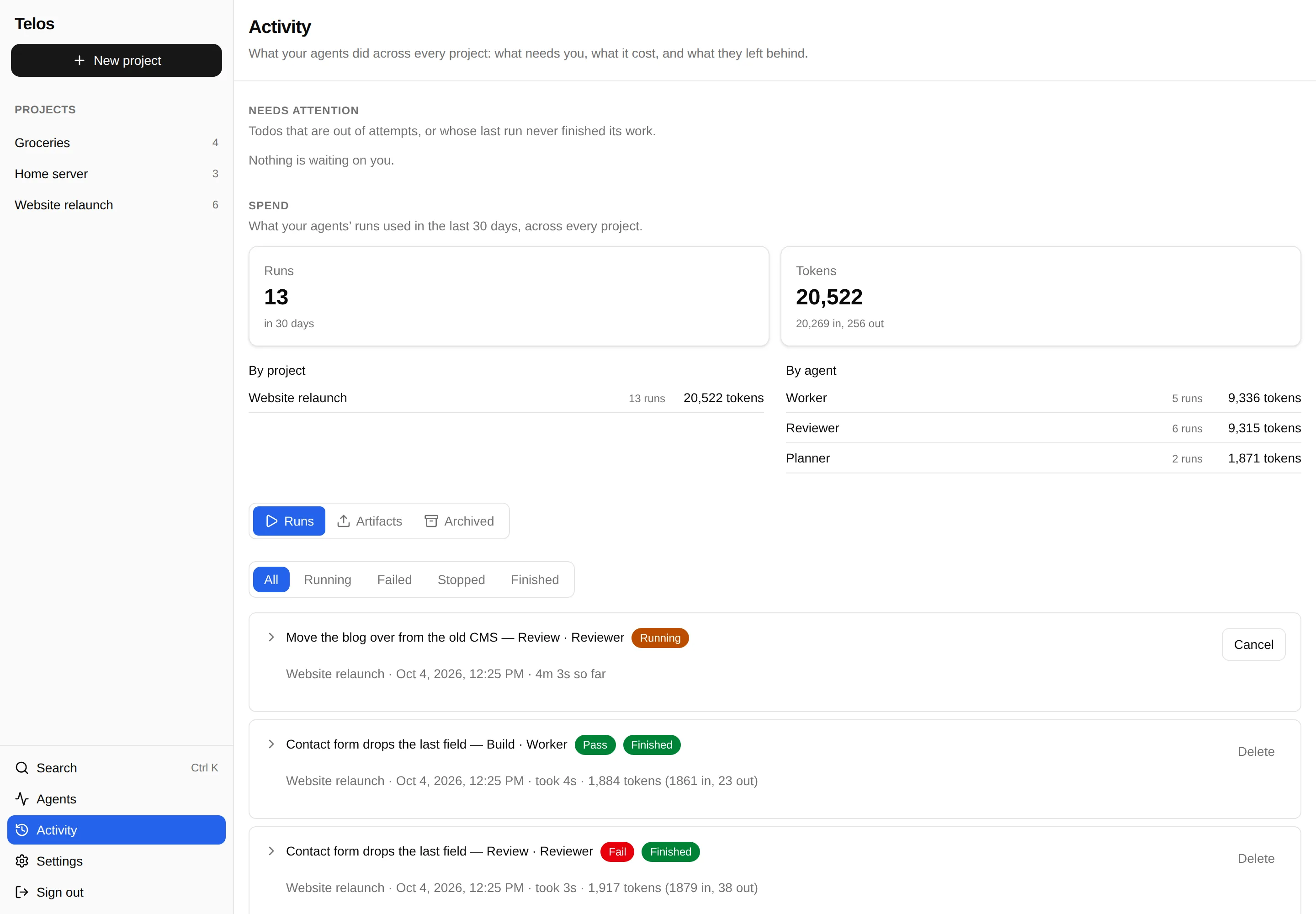
An agent is a model and its instructions. Put one on a lane and each todo there becomes a run that passes or fails and follows the lane's route.
Your own tools, over MCP
Point Claude Code or any MCP client at /mcp with an API key. Each key has a switch per tool, so a read-only key is one with its writing tools off.
AI is off on the instance, the account and the project until you switch it
on, and a todo can say "AI ignores this". Set AI_ENABLED=false
to remove it outright.
See it in action
With the extras on: a website relaunch with a Planner, a Worker and a Reviewer on its lanes. Click a screenshot to enlarge it.

How it works
PASS moves the todo along the success route, or archives it.
FAIL sends it along the failure route.
Chain lanes and you have a pipeline: a Planner splits a request into todos, a Worker does each one, and a Reviewer rules PASS or FAIL, sending the work back when it is not done. With auto-run off, nothing starts until you press Run now.
Run it yourself
One container plus Postgres: a compose file, two secrets, and docker compose up. Nothing to clone, nothing to build.