MCP server over Markdown
Your Markdown notes, searchable by every agent.
Point mcp-ragdown at a directory of Markdown folders. It splits every file into heading-scoped sections,
embeds them into a local LanceDB index, keeps that index in sync as the files change, and serves hybrid search
over MCP — one server per folder, for the folders you turn on.
Each folder opens as an Obsidian vault, and a prompt hook can call ragdown_context to add the
related notes to every turn.
http://host:3300/mcp/<folder>
one folder, once MCP is on
http://host:3300/mcp/<folder>/<sub>
a subfolder of it
http://host:3300/
every folder, human-only ones too
See it
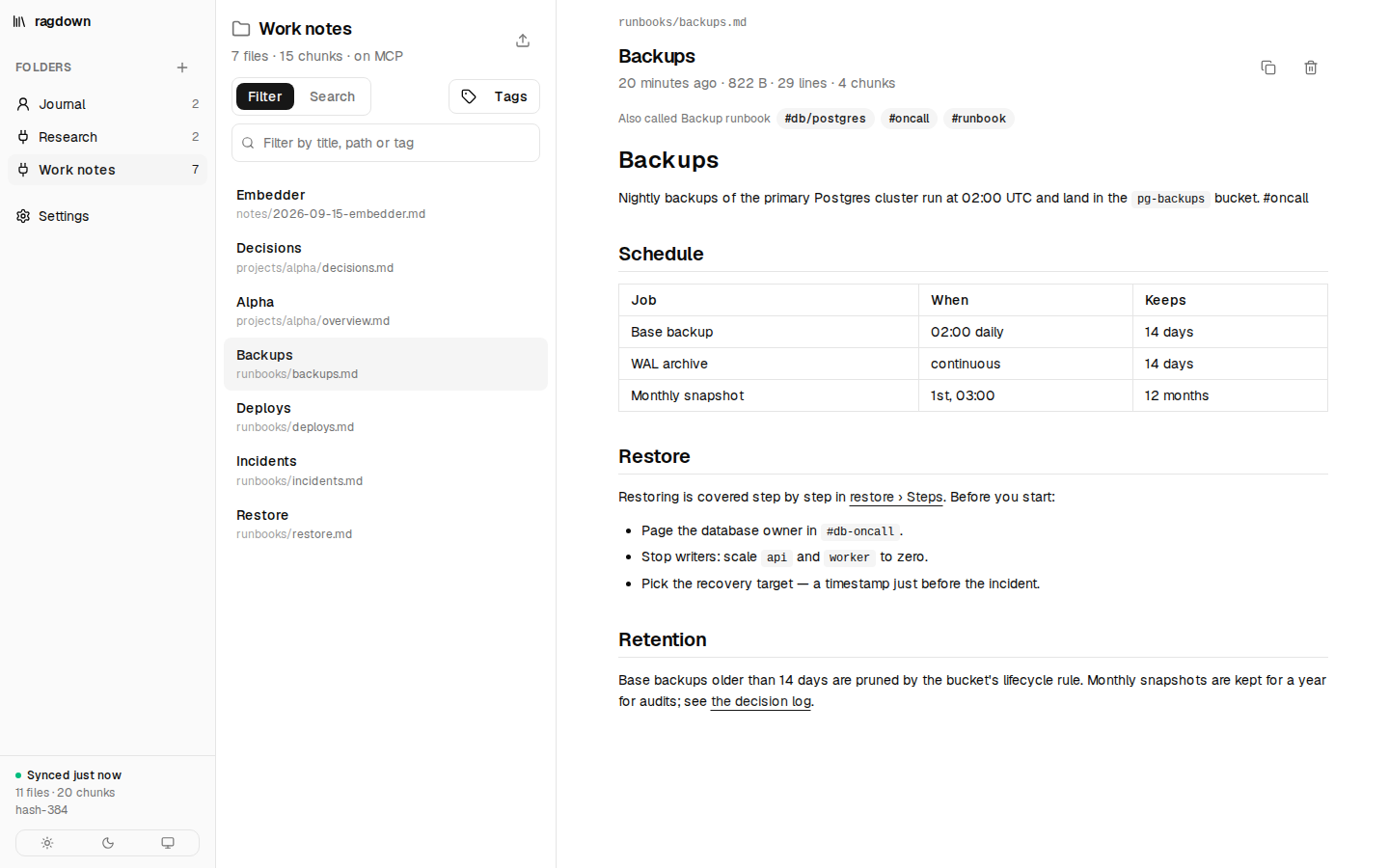
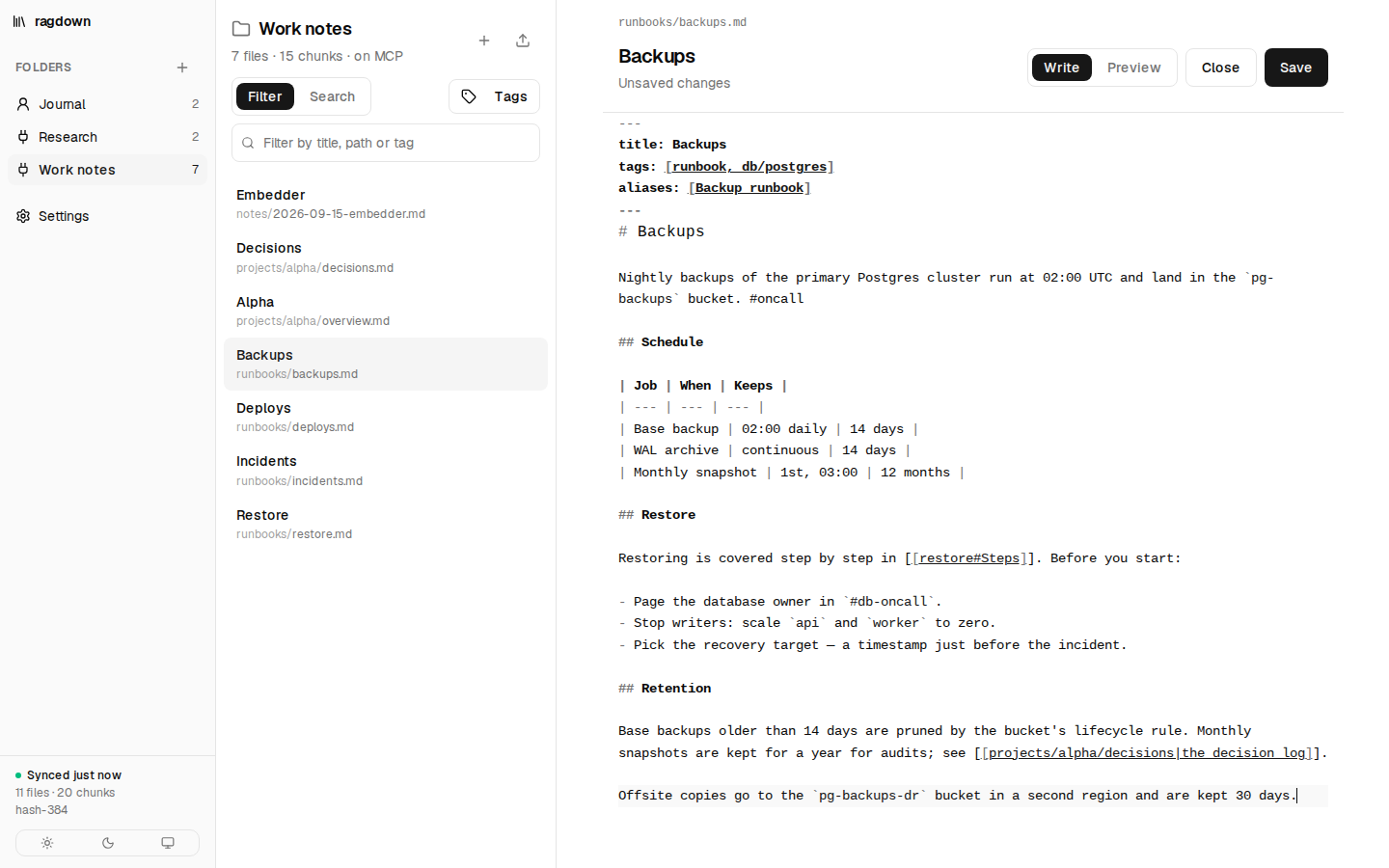
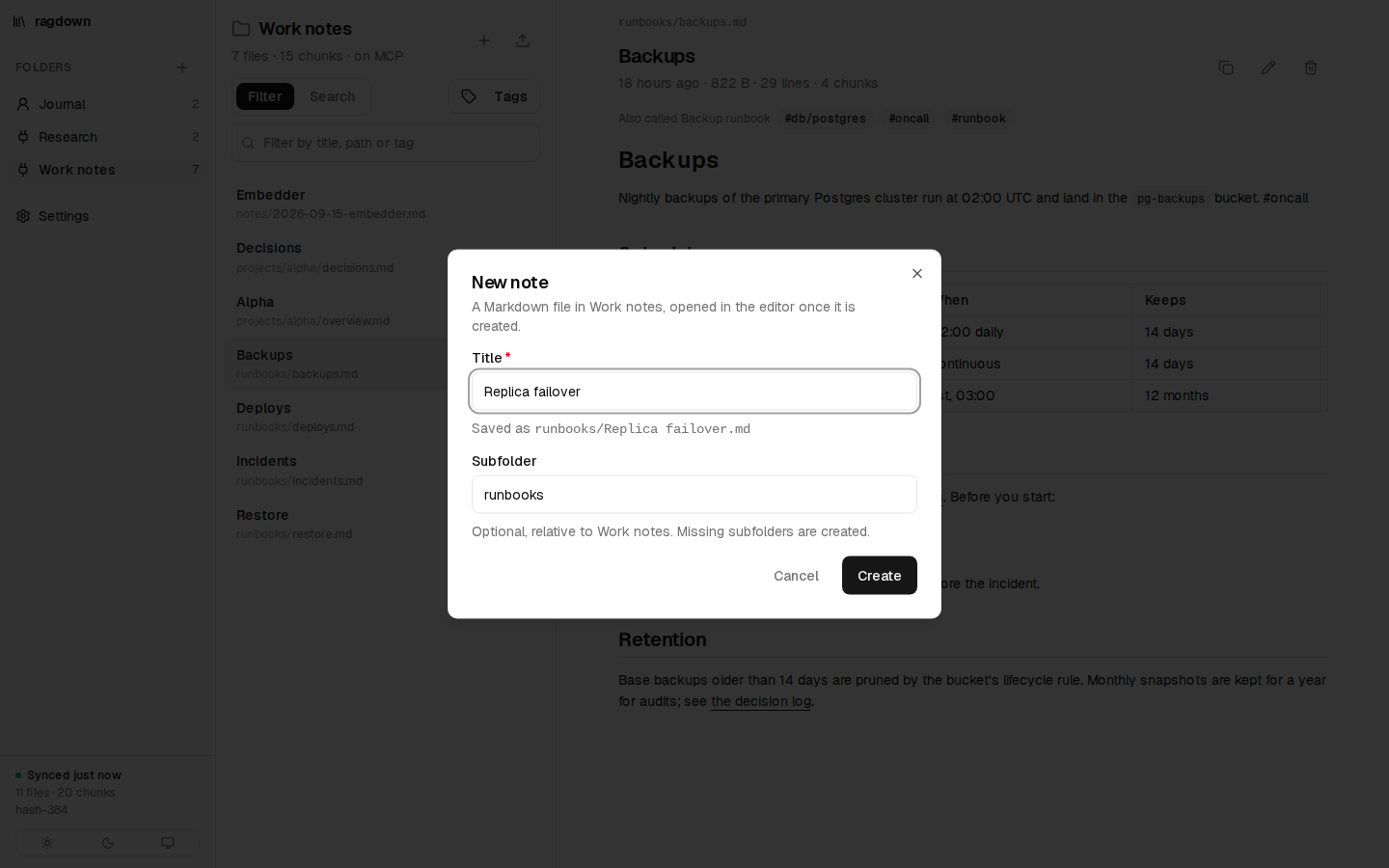
serve ships a small web UI: a switcher for the folders, each folder's files rendered with their
wikilinks, tags and images, search, an editor for writing and editing notes, upload and delete, and a Settings page that turns MCP on per folder. Shown
here in light mode.
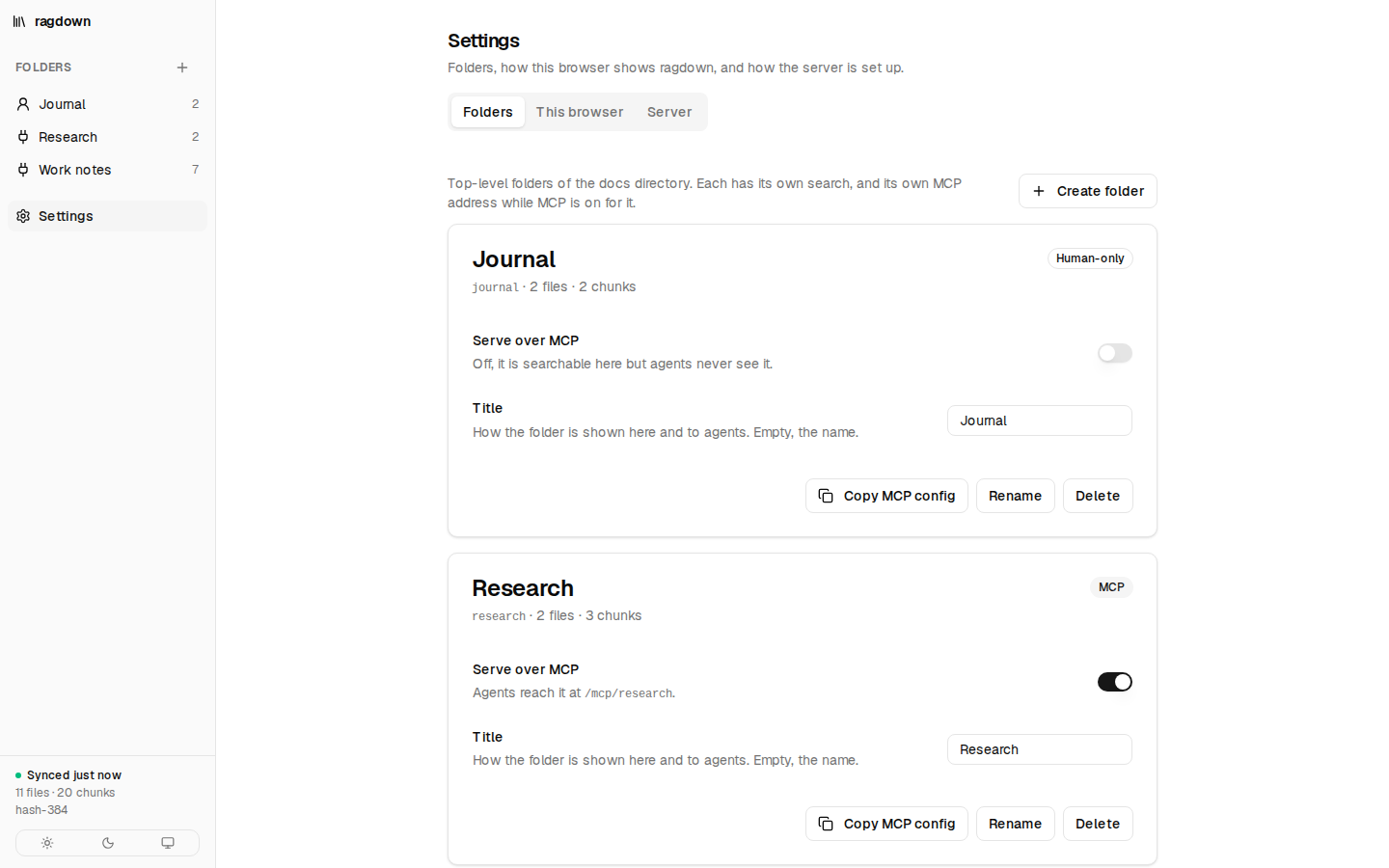
claude mcp add line for it. New folders start human-only.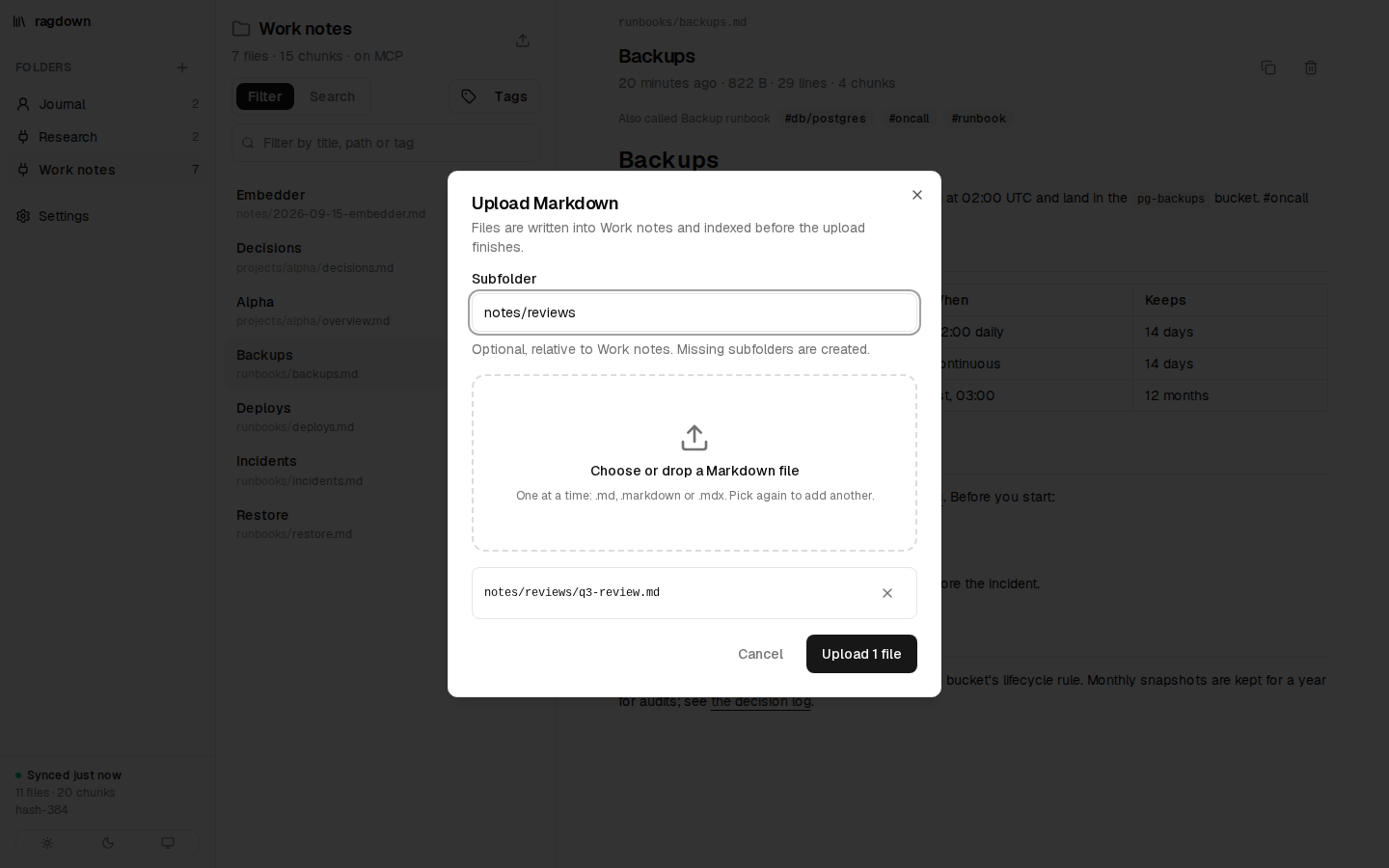
.md, .markdown or
.mdx files into the open folder, optionally under a subfolder; they are indexed before the
upload finishes. Delete removes a file from disk, not only from the index.What it does
Your files are the truth
The Markdown files are the source of truth; the index is derived and disposable. Change the embedder or the chunker and the index rebuilds itself. Delete it and the next start rebuilds it.
Chunks follow headings
Every heading starts a section, and its breadcrumb (Backups › Restore) is embedded with it,
so a paragraph that only says "run it twice" is still found by a question about restores.
Hybrid search
Dense cosine search finds an answer in different words; BM25 full-text search finds an exact error string or flag name. Reciprocal rank fusion merges the two.
Context for every turn
ragdown_context is built for prompt hooks: the sections that clear a similarity bar, in a
<ragdown-context> block, never repeated within a session — or empty text when nothing
fits.
A server per folder
Every top-level folder is found automatically and is its own MCP server at
/mcp/<folder>. Folders start human-only — searchable in the web UI, invisible to
agents — until you turn MCP on.
Opens as an Obsidian vault
Frontmatter and inline #tags filter searches, aliases are searchable, and
ragdown_read_doc follows [[wikilinks]] down to a heading. .obsidian/
is ignored.
Always in sync
A watcher diffs the folder: unchanged files are skipped by size and mtime, a content hash decides what to re-embed, and deleted files drop out. Searches never wait for indexing.
Agents can write notes
ragdown_remember saves a new note and indexes it before returning. It never overwrites, and
supersedes hides the notes a new one replaces. RAGDOWN_READ_ONLY turns writing off.
Local by default
The default embedder, granite-embedding-small-english-r2, runs on ONNX Runtime on your CPU — and is baked
into the Docker image, so it starts offline. Other local models, or any OpenAI-compatible
/embeddings endpoint, are a setting away.
Web UI
Browse, search and preview each folder, write and edit notes, upload and delete Markdown, and create, rename and switch MCP
on for folders — from the same serve process, behind the same token.
How it works
.md, .markdown, .mdx, one directory per folder
/mcp/<folder> →Everything an agent or a hook does goes through MCP — there is no hook command and no hook-only HTTP route. Every folder shares one index, one model and one watcher. Several processes on the same docs directory share that index: the one that holds the socket lock indexes and watches, and the others search the same table and forward syncs to it.
Quickstart
Docker Compose recommended
services:
  ragdown:
    image: vantreeseba/mcp-ragdown:latest
    ports:
      - '3300:3000'
    volumes:
      - ~/notes:/docs          # one folder per directory in here
      - ragdown-data:/data     # the index, so restarts only diff
    environment:
      RAGDOWN_TOKEN: ${RAGDOWN_TOKEN}
    restart: unless-stopped

volumes:
  ragdown-data:
export RAGDOWN_TOKEN=$(openssl rand -hex 32) # keep it; clients need it too
docker compose up -d~/notes/work is now the folder work, human-only to start. Open
http://localhost:3300, turn MCP on for it under Settings → Folders, and
Copy MCP config gives you:
claude mcp add --transport http ragdown-work http://localhost:3300/mcp/work \
  --header "Authorization: Bearer $RAGDOWN_TOKEN"
Images are published for linux/amd64 to
Docker Hub (vantreeseba/mcp-ragdown) and GHCR
(ghcr.io/cubicecho/mcp-ragdown).
Without Docker Node 26+
npm install
claude mcp add ragdown -e RAGDOWN_DOCS_DIR=$HOME/notes/work -- node /path/to/mcp-ragdown/src/cli.ts stdio
Over stdio, RAGDOWN_DOCS_DIR is the one folder — an Obsidian vault, say — and it is served
whatever its settings say. Node 26 runs the TypeScript directly; the default model (about 50 MB) downloads
once on first start.
Upgrading from 4.x? /mcp is gone and every folder starts
human-only. Four steps get you back.
Keep writing Markdown. Let agents find it.
Walk through stdio, Docker and a hook on the Get started page, or read the tools and configuration reference.