Get started
From folders of notes to agents that read them
This walkthrough starts with the smallest setup — a local stdio server for Claude Code — then moves to the Docker image with a token, the web UI and its folders, and ends with a hook that adds related notes to every turn. The screenshots show the web UI in light mode.
Run it locally with Claude Code
With Node 26+, which runs the TypeScript directly, clone the repo and register it as a stdio server. Point
RAGDOWN_DOCS_DIR at one folder of Markdown — an Obsidian vault works as it is. It is the only
required setting:
git clone https://github.com/cubicecho/mcp-ragdown && cd mcp-ragdown
npm install
claude mcp add ragdown -e RAGDOWN_DOCS_DIR=$HOME/notes/work -- node $PWD/src/cli.ts stdio
On first start the default embedder (about 50 MB) downloads once, then the folder is indexed into
~/.cache/ragdown/. Claude now has ragdown_recall and ragdown_read_doc,
and calls them itself when the notes might help. Ask it something your notes answer.
Over stdio, you chose the folder. The whole of RAGDOWN_DOCS_DIR
is served, whatever its .ragdown.json says. Open as many Claude Code sessions on it as you like:
the first process indexes and watches; the rest search the same index.
Run the Docker image with a token
To serve several folders, to other machines or agents, run serve, which the image does by
default. It has the default model baked in, so it starts offline. Mount a directory whose top-level
directories are your folders — ~/notes/work, ~/notes/journal — and save this as
docker-compose.yml:
services:
  ragdown:
    image: vantreeseba/mcp-ragdown:latest
    ports:
      - '3300:3000'
    volumes:
      - ~/notes:/docs          # add :ro and RAGDOWN_READ_ONLY=true to forbid writes
      - ragdown-data:/data     # the index, so restarts only diff
    environment:
      RAGDOWN_TOKEN: ${RAGDOWN_TOKEN}
    restart: unless-stopped

volumes:
  ragdown-data:
export RAGDOWN_TOKEN=$(openssl rand -hex 32) # keep it; clients need it too
docker compose up -d
curl localhost:3300/api/status # "ready": true, and the file and chunk countsWithout Docker, the same server is
RAGDOWN_DOCS_DIR=~/notes RAGDOWN_TOKEN=… node src/cli.ts serve after npm run build
(which builds the web UI).
No token? serve refuses to start without
RAGDOWN_TOKEN unless SECURE_LOCAL_NET=true, which skips auth for a trusted
network. Markdown sitting directly in ~/notes, outside every folder, is not indexed; the log
and the web UI list it.
Open the web UI
Visit http://localhost:3300 and paste the token once; the browser keeps it. The sidebar lists
your folders — a plug for one agents can reach, a person for a human-only one. Pick one to see its files:
filter by title, path or tag, switch to Search for a hybrid search of the folder, and click a
file to read it rendered beside the list.
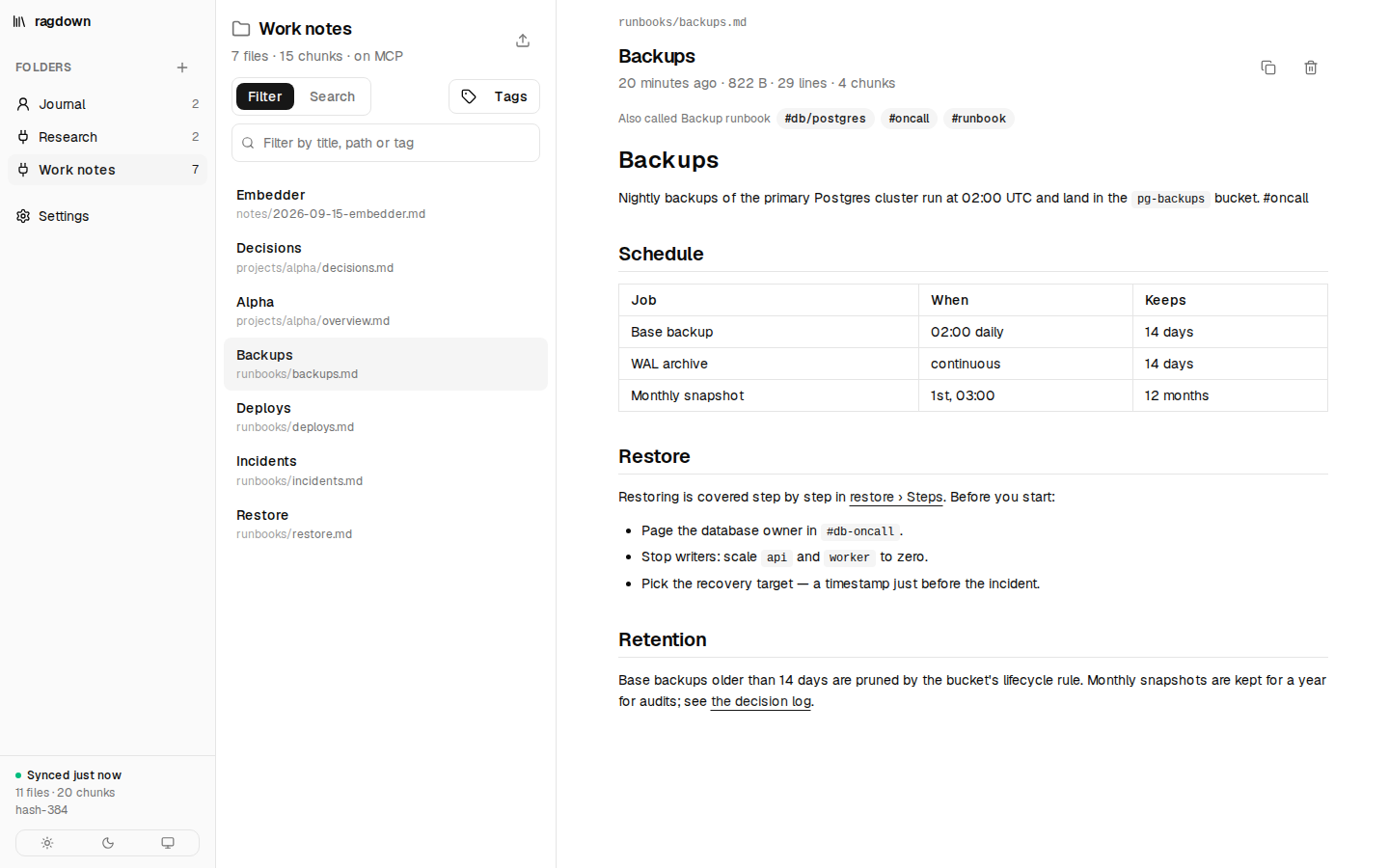
[[Wikilinks]] are followed, embedded images are shown, and a tag opens the folder
filtered by it. Every folder is searchable here, human-only ones included.Turn MCP on and connect
Every folder starts human-only: indexed and searchable in the web UI, but no MCP endpoint,
no recall hits and no hook context. Open Settings → Folders and flip Serve over
MCP for the folders agents should read. The switch writes "mcp": true to the folder's
.ragdown.json, so you can also set it by hand.
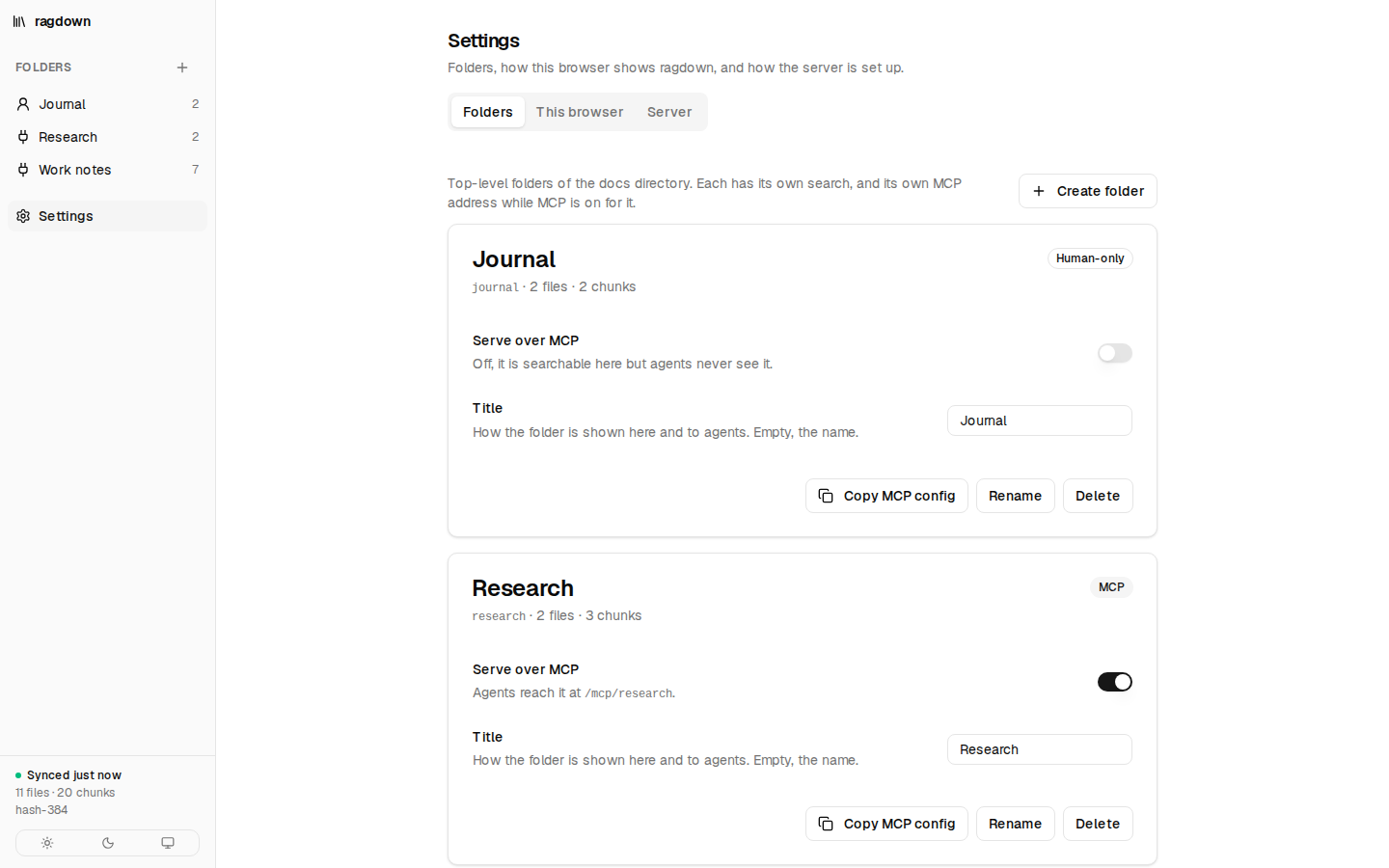
Copy MCP config puts the line for that folder on the clipboard, with the token header when the server needs one:
claude mcp add --transport http ragdown-work http://localhost:3300/mcp/work \
  --header "Authorization: Bearer $RAGDOWN_TOKEN"
The same six tools as over stdio, with work as the root: search, read, stats, and — unless
read-only — ragdown_remember, which writes into work/notes, and
ragdown_reindex. A human-only folder answers /mcp/<folder> with the same 404
as one that does not exist.
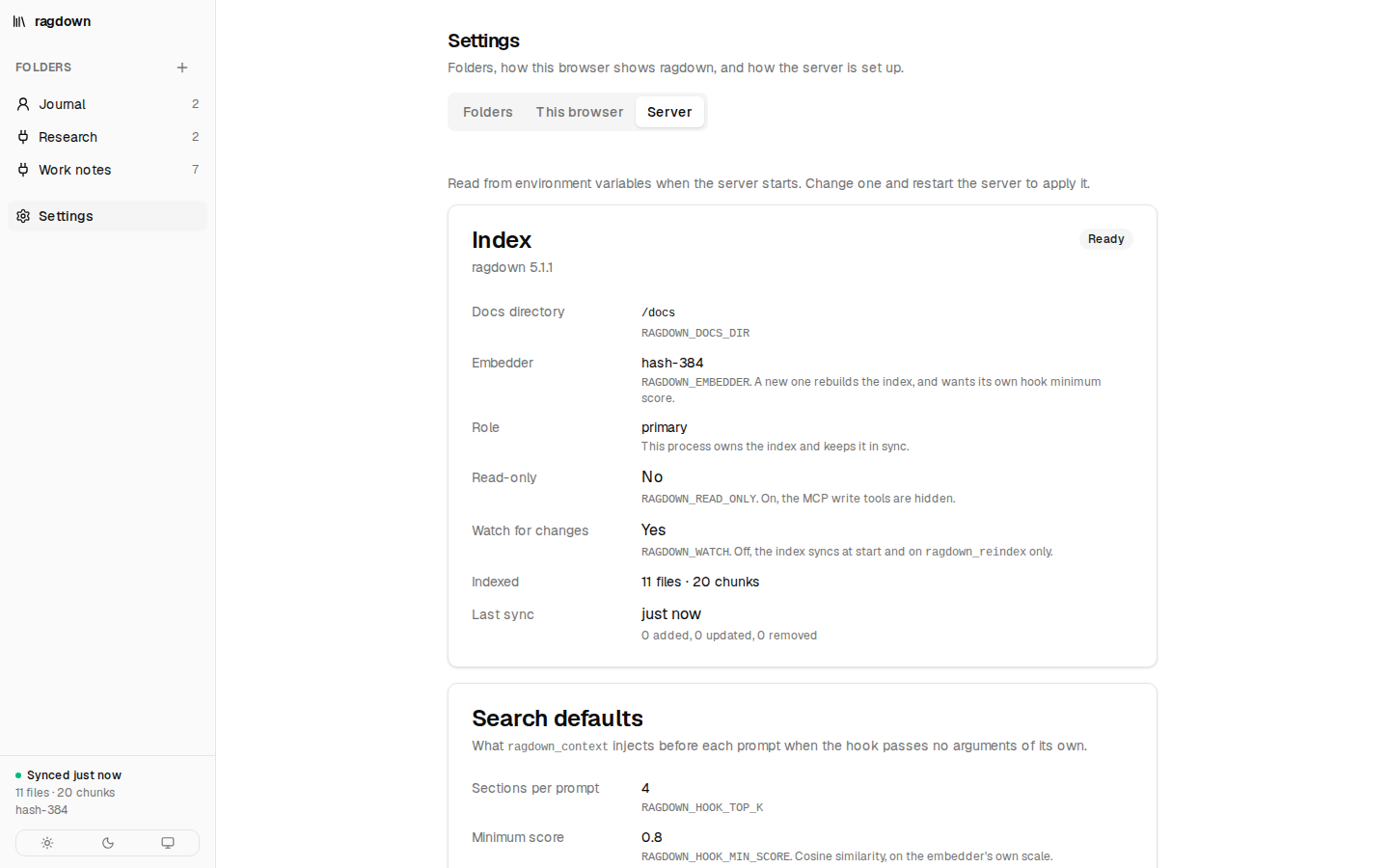
The Server tab shows how the server is set up: the docs directory, embedder, role, read-only and watch flags, the last sync, and the search defaults a hook gets. Those come from environment variables at start, and each row names the one that sets it. This browser holds the theme and the stored token.
Write, upload and delete notes
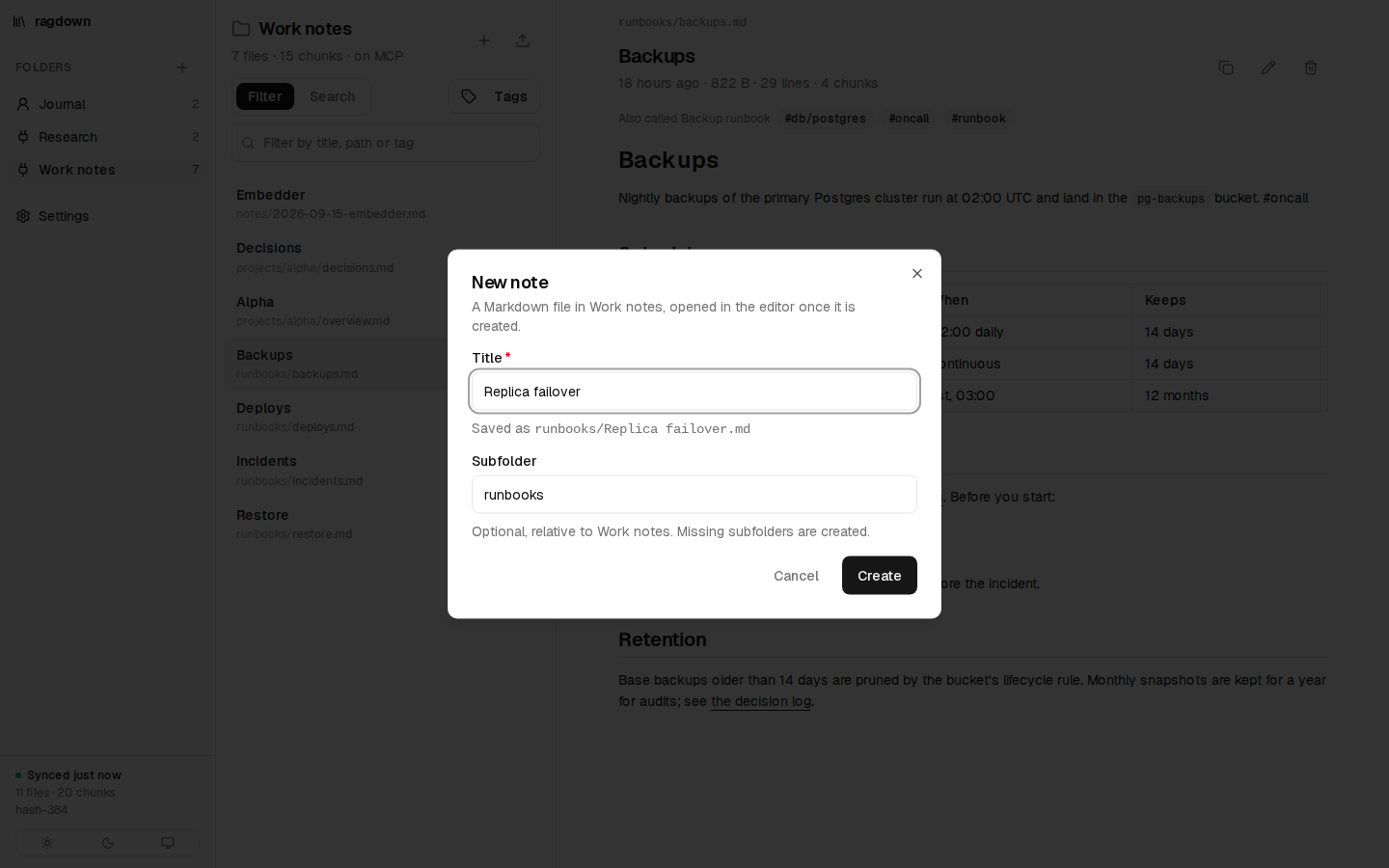
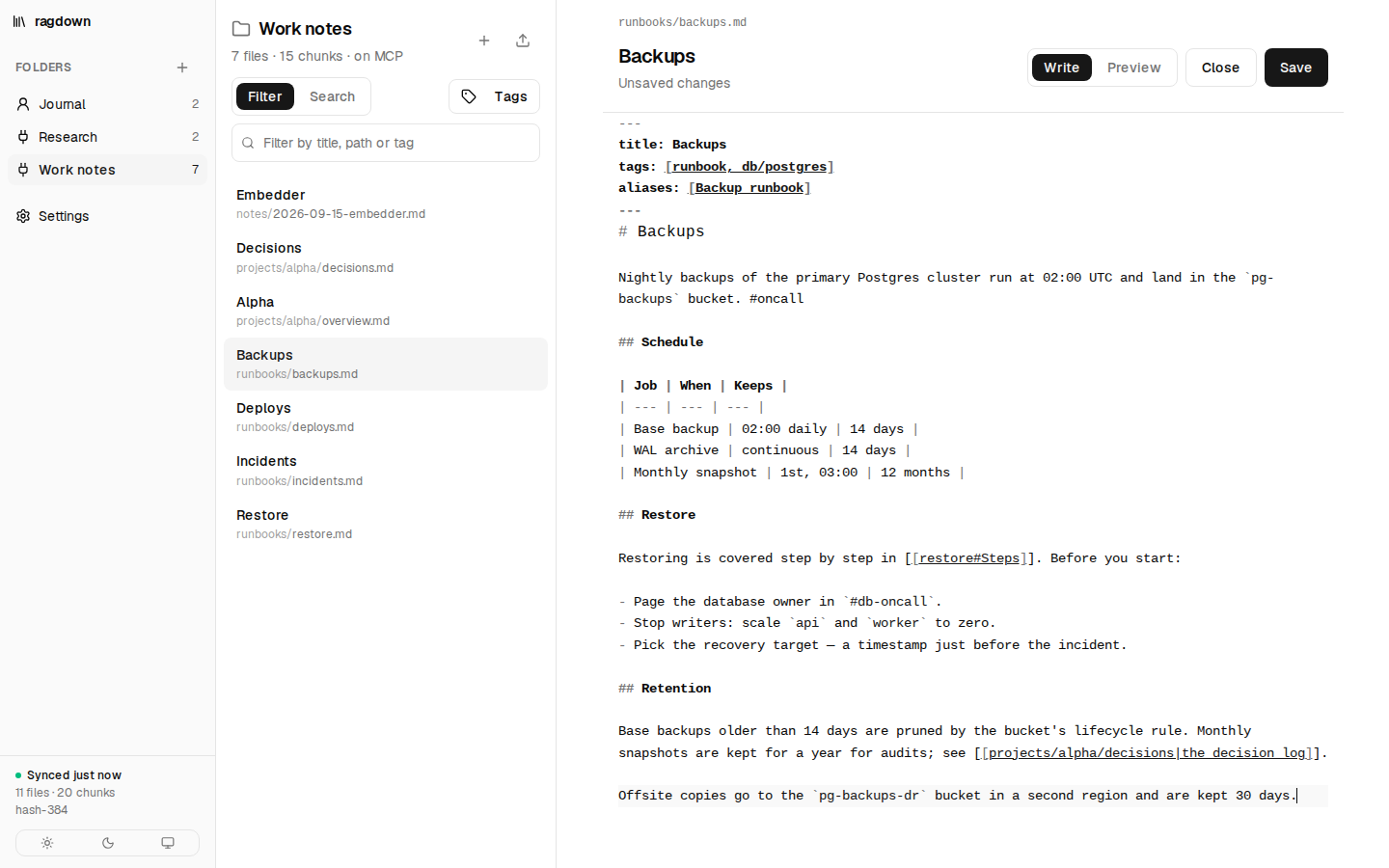
The + button above the list opens New note. Give it a title and, if you
like, a subfolder — prefilled with the one the open note is in, and created if it is missing. The note is
saved as <title>.md with the title as its first heading, and opens in the editor.
Edit on any previewed note opens the same editor: Markdown with syntax highlighting, a
Preview tab, and Ctrl/⌘+S to save. A save is made against
the version you opened, so if the file changed on disk meanwhile — in Obsidian, by an agent, by a
git pull — you choose between yours and theirs instead of one silently replacing the other.
Leaving with unsaved changes asks first.
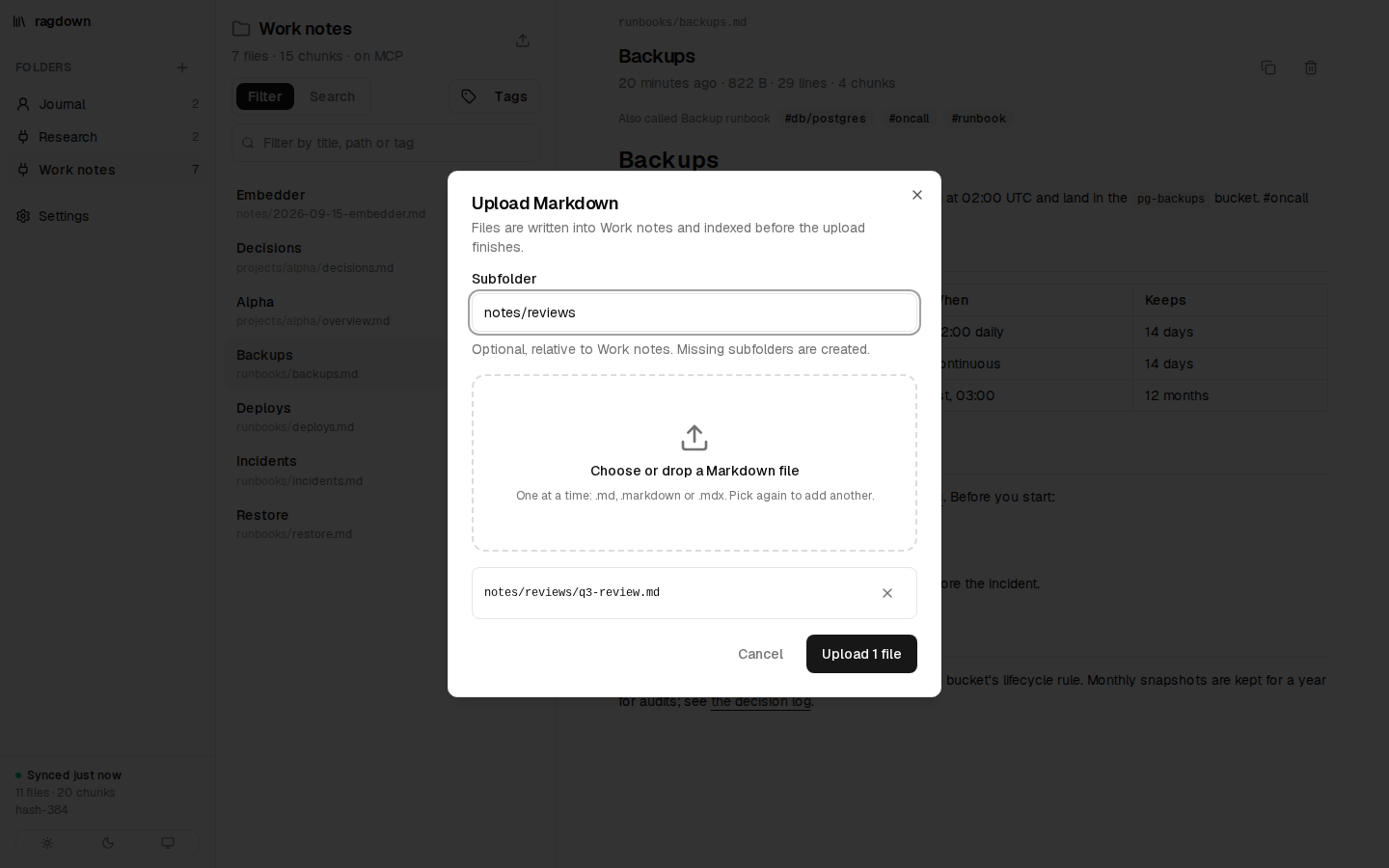
The upload button above the list opens Upload Markdown. Pick .md,
.markdown or .mdx files and optionally a subfolder of the open folder — missing
subfolders are created. The upload returns once the files are indexed. A file that already exists is not
replaced unasked: it stays in the list with an Overwrite button.
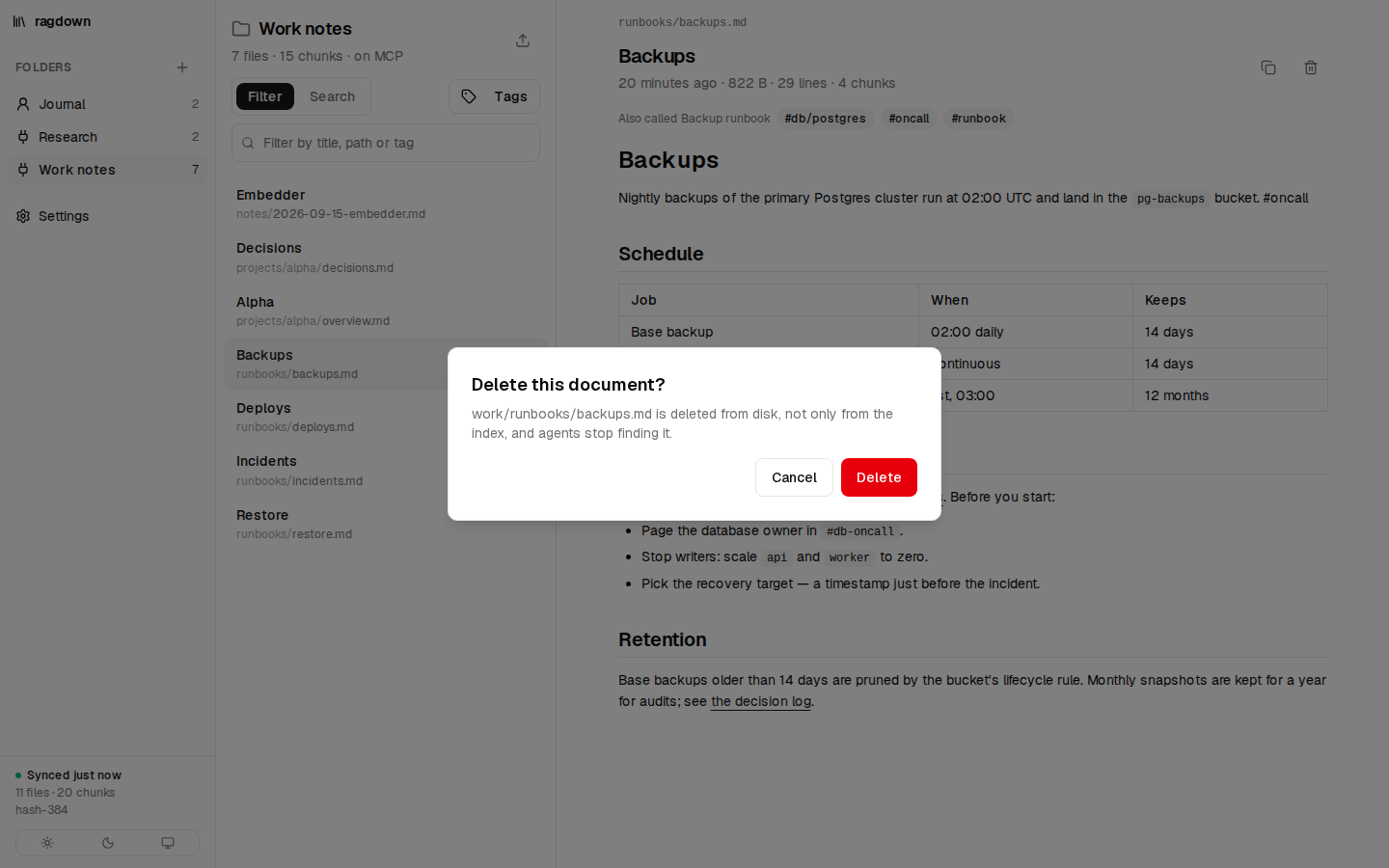
The trash button on a previewed file deletes it from disk — not only from the index — after a confirmation.
RAGDOWN_READ_ONLY=true new notes, edits, uploads, deletes and folder changes
other than the MCP switch and title are refused.Narrow an agent to a subfolder
/mcp/<folder>/<subfolder> serves the same tools with the subfolder as the root:
searches stay inside it, paths are relative to it, and ragdown_remember writes into it. It
follows the folder's MCP switch, with nothing else to configure:
claude mcp add --transport http work-alpha http://localhost:3300/mcp/work/projects/alpha \
  --header "Authorization: Bearer $RAGDOWN_TOKEN"
Focused, not fenced. A subfolder keeps an agent on its project's notes, but the same token opens every folder with MCP on. Keep what agents must never read in a human-only folder.
Open a folder in Obsidian
Point Obsidian's Open folder as vault at ~/notes/work and both see the same
notes. .obsidian/ and .trash/ are skipped. Tags in frontmatter and inline
#tags are indexed, so an agent can ask for one:
ragdown_recall({ query: "restore a backup", tag: "runbook" })   // also matches #runbook/db
ragdown_read_doc({ path: "Backups#Restore" })                   // a wikilink target: just that section
Wikilinks resolve the way Obsidian does, within the folder: an exact path, then a note by name (the one beside the linking note first), then an alias from frontmatter.
Add notes to every turn with a hook
For context without the model having to ask, a hook calls ragdown_context before each turn.
It is an MCP tool like the others, so it needs a client whose hooks call MCP tools — min-agent does. There is no
hook command to wire into Claude Code; there, Claude calls ragdown_recall itself. In min-agent, add the server under Settings → MCP:
{
  "id": "ragdown",
  "label": "Notes",
  "transport": "http",
  "url": "http://localhost:3300/mcp/work",
  "headers": { "Authorization": "Bearer <RAGDOWN_TOKEN>" },
  "hiddenTools": ["ragdown_context"],
  "hooks": [
    { "id": "notes", "on": "beforeTurn", "tool": "ragdown_context", "inject": true, "maxTokens": 800,
      "args": { "prompt": "{{prompt}}", "session_id": "min-agent:{{session.id}}", "max_chars": 3000 } }
  ]
}
The hook sends the user's message. ragdown_context returns the sections that clear the
similarity bar, wrapped in <ragdown-context>, or empty text when nothing fits. It skips short
prompts and slash commands, and never returns the same section twice in one session, so a long chat pays for
each note once. hiddenTools keeps the hook's tool away from the model, which has
ragdown_recall.
That's it — your notes are in the loop.
Keep writing Markdown; the index follows. For every tool, setting and route — and how to pick an embedder — read the docs.