MCP gateway & router
One endpoint for every MCP server.
Install Model Context Protocol servers from registries or npm, run them locally as lazily-spawned child processes (or proxy remote ones), and re-expose every one over streamable HTTP. Point a single client at the router instead of configuring N servers everywhere.
http://host:3000/mcp/<name>
one server
http://host:3000/mcp
every server, merged
What it does
Install from anywhere
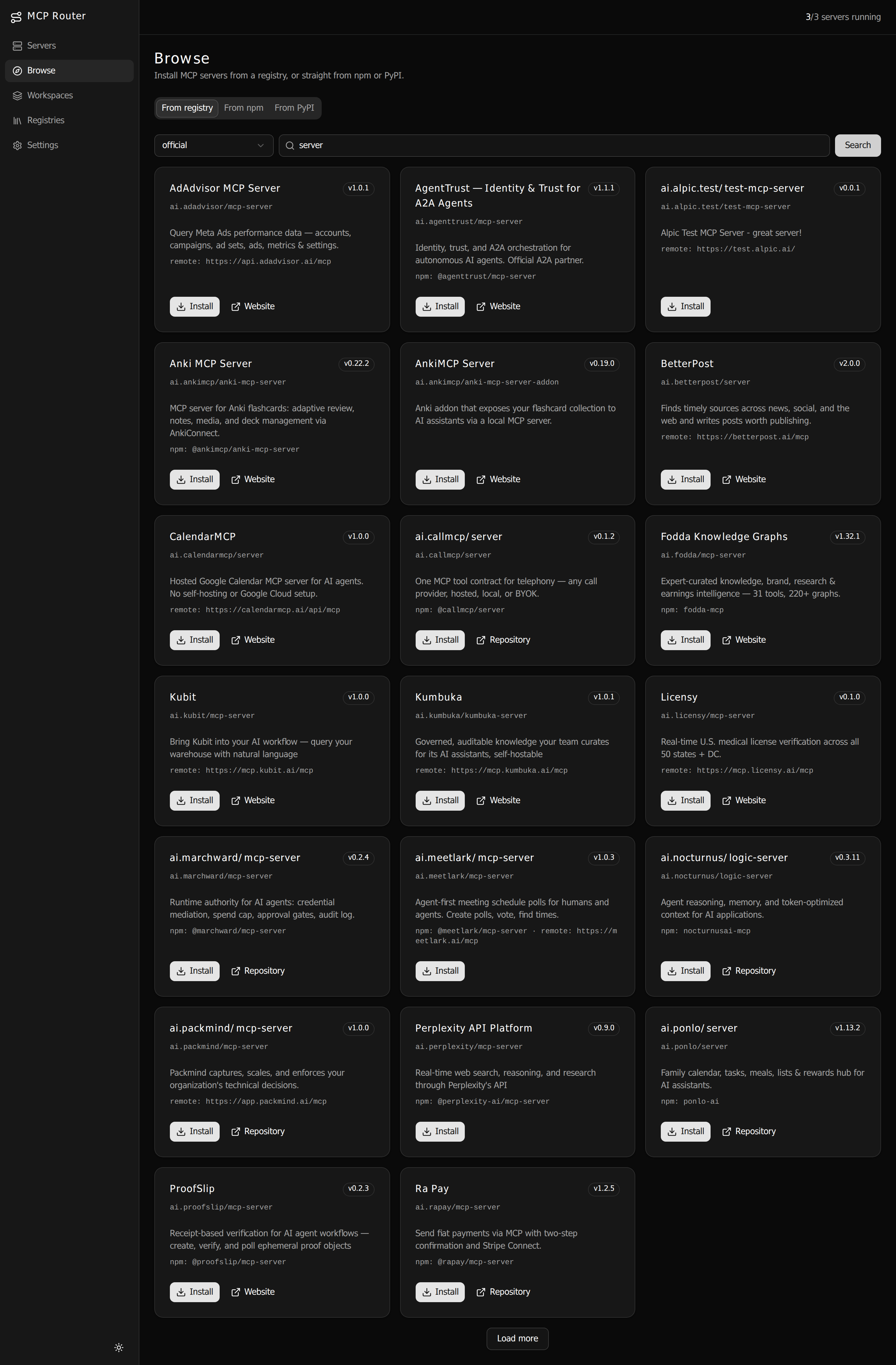
Browse the official MCP registry (or any compatible one), install directly from npm, or proxy a
remote streamable-HTTP server. One file per server under DATA_DIR/config.
Two ways to connect
Hit /mcp/<name> for a single server, or the aggregate /mcp that
merges every enabled server with <server>__<tool> namespacing.
Custom aggregates
Group a chosen subset of servers into a workspace at its own
/mcp/w/<slug> URL — with optional per-workspace env, args, and header overrides. Each
client gets exactly the tools it needs.
Lazy & warm
stdio servers spawn on first request, stay warm, and shut down after an idle timeout (default 5 minutes, per-server override). No idle processes hanging around.
One token, one door
A single bearer token guards the management API and every MCP endpoint. Disable it for trusted
local networks with SECURE_LOCAL_NET=true.
Web UI or JSON
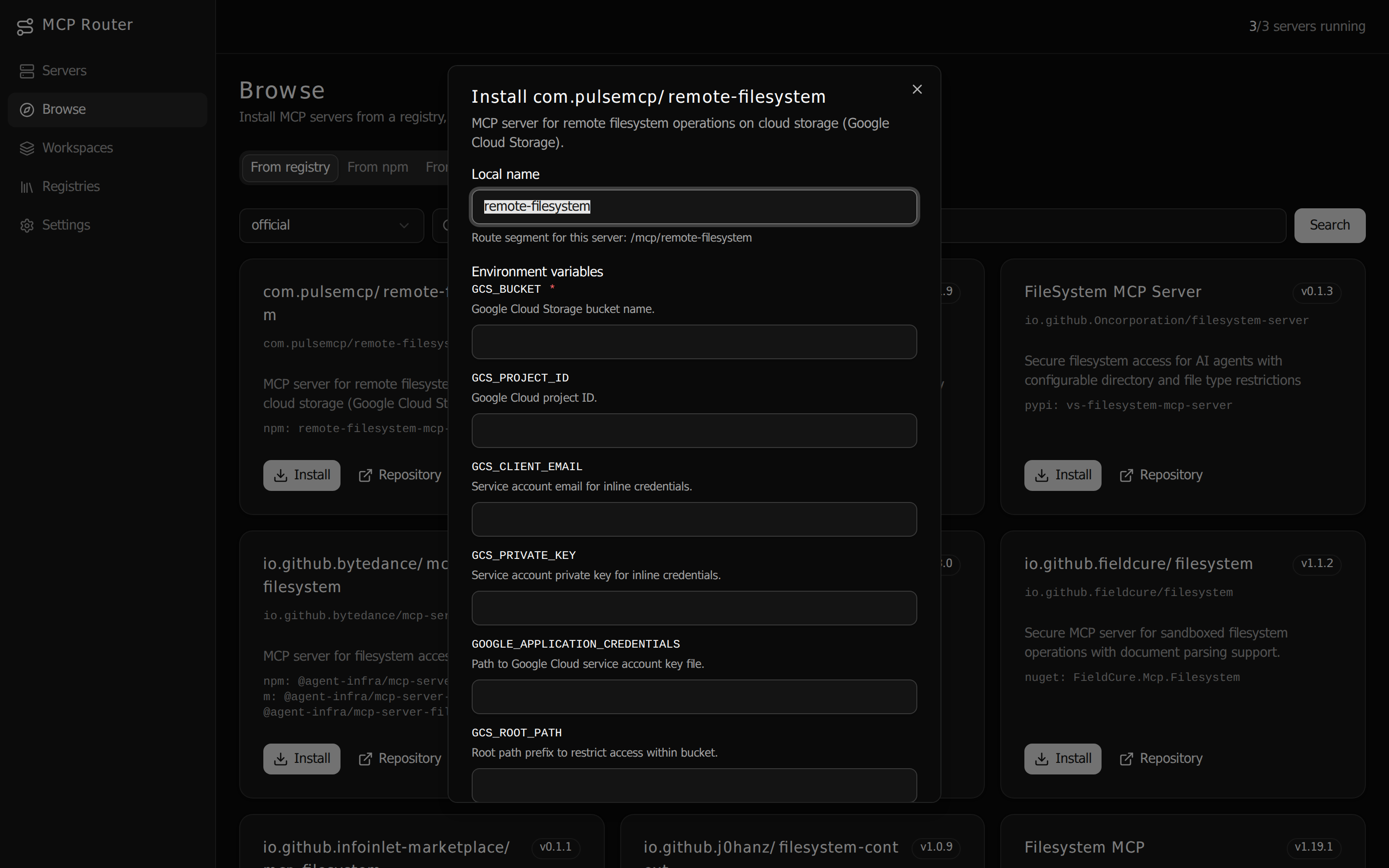
Manage registries, installs, and per-server env/API keys from the built-in React UI — or hand-edit the flat JSON config and reload.
Ships as one image
A single Docker image builds the app and server; Express serves the UI. docker compose up
with a ./data volume and you're live.
How it works
/mcp →
The router validates the bearer token, forwards tools/resources/prompts
1:1 for per-server routes, and for the aggregate merges every enabled server's capabilities — stripping the
<server>__ prefix on each call to route it back to the owning server.
See it in action
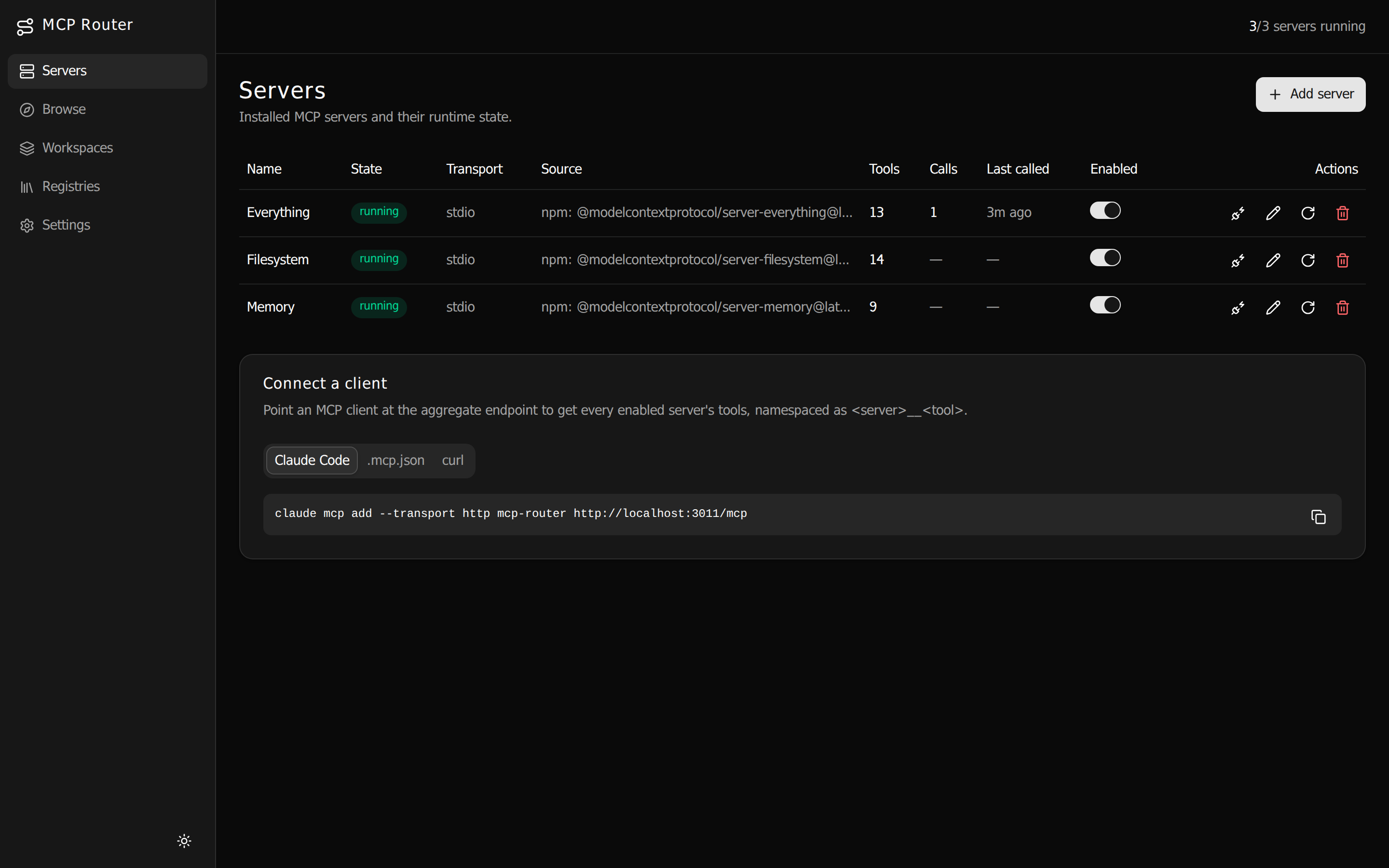
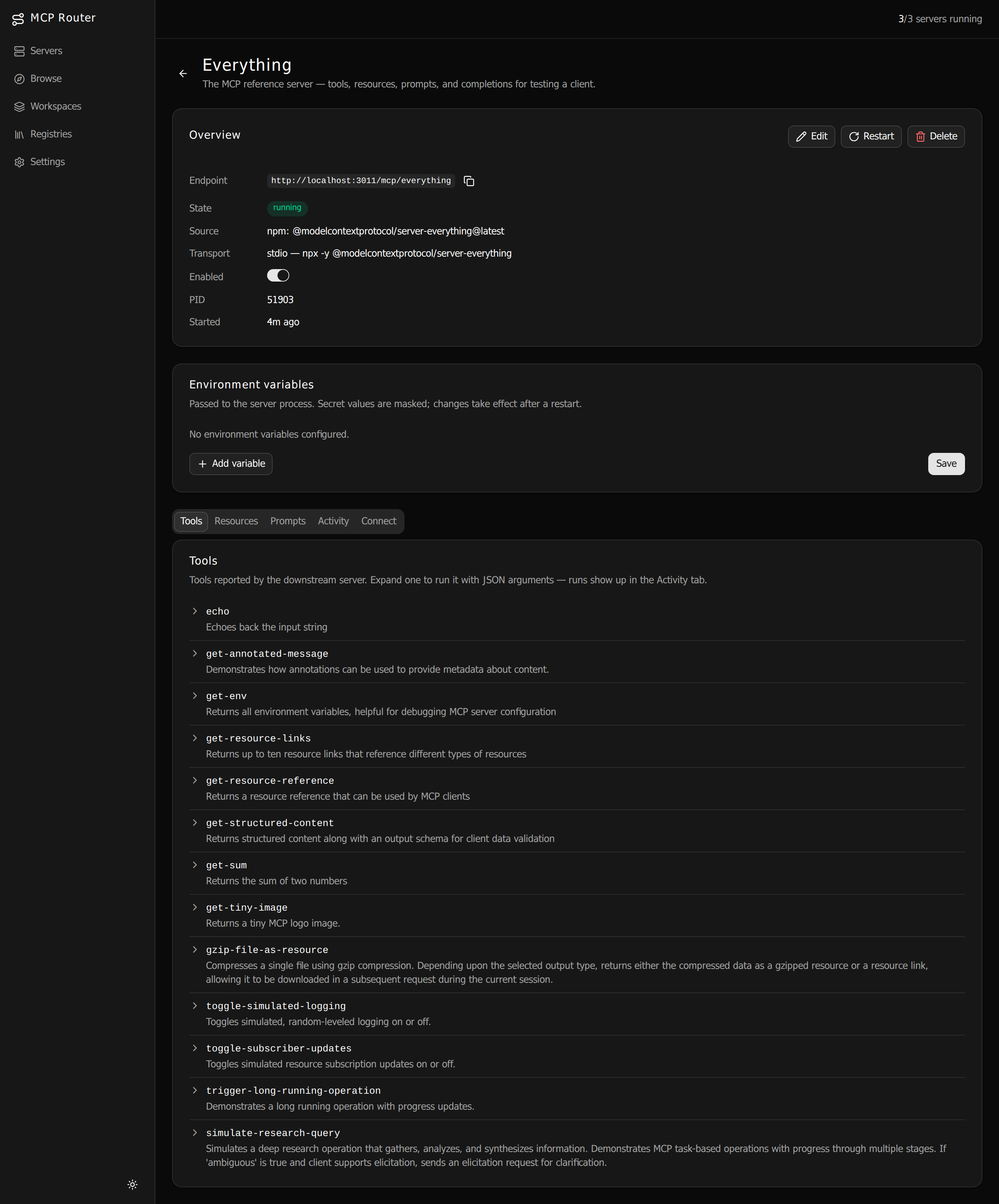
The whole gateway is driven from one small web UI — install a server, drop in its API key, and point your client at a URL. No config spelunking required.
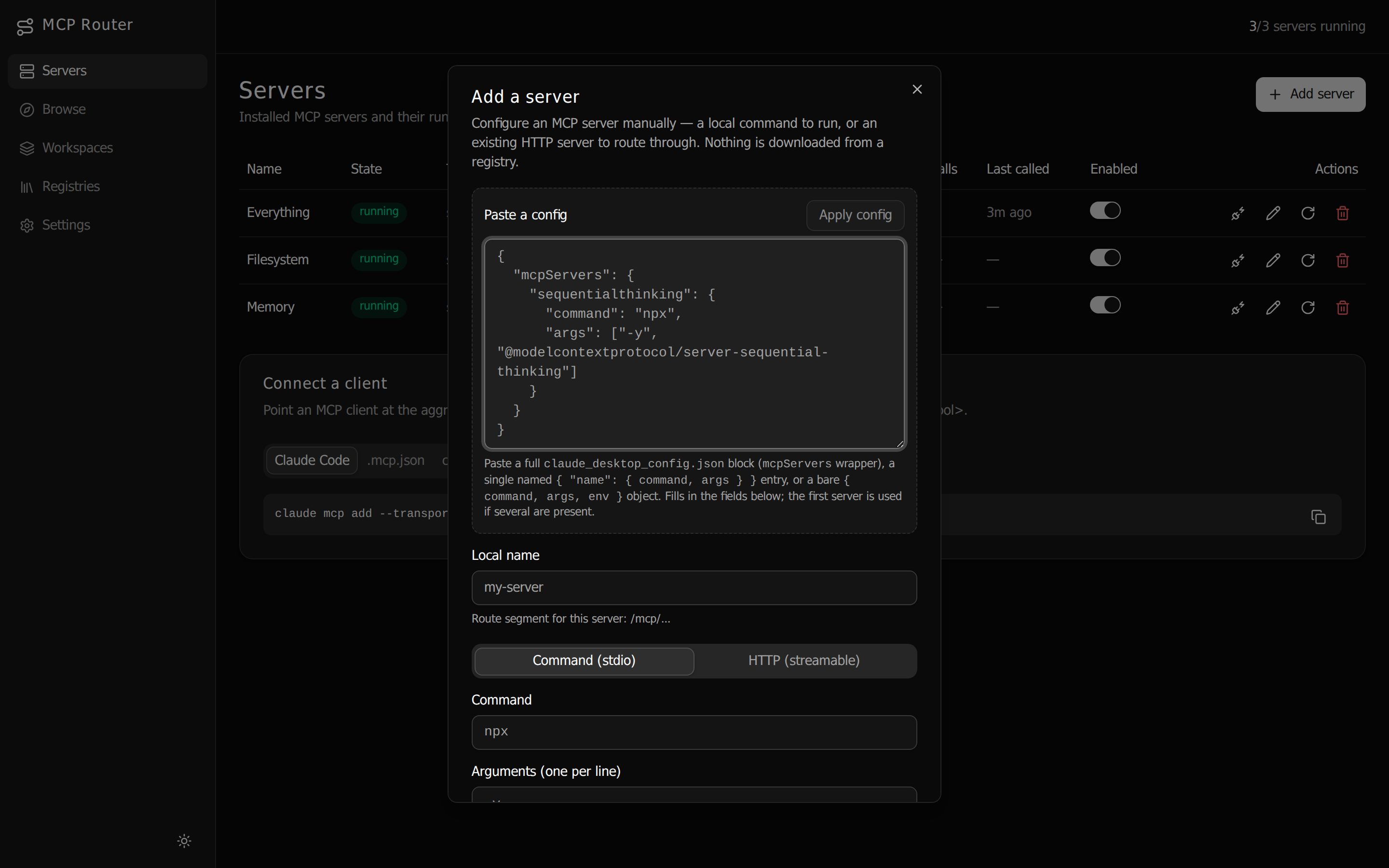
claude_desktop_config entry, a command,
or a remote URL — nothing downloaded from a registry.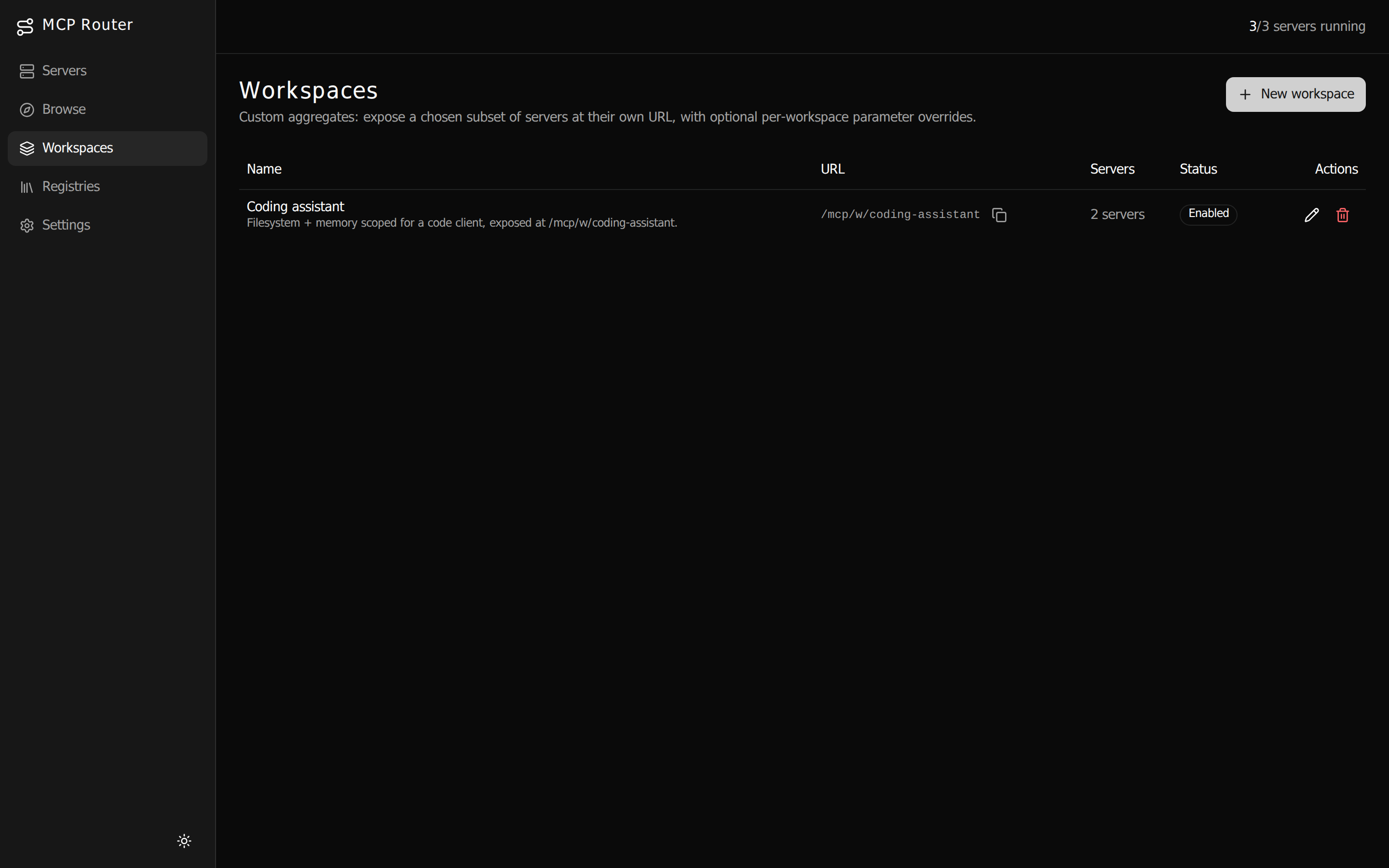
/mcp/w/<slug> URL — with per-workspace env, args, and header
overrides, independent of each server's global state. Give every client exactly the tools it should see.Run one router. Wire up everything.
Walk through install to a connected client on the Get Started page, or dive into the full configuration and API reference.